
Transcripts
Array OnDemand (AOD) allows you to view transcripts by enabling an
optional feature within the case settings.
Steps to Enable
Transcripts: Go to Case Settings > Scroll
down to the General Section > Select Enable Transcripts.
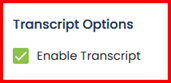
Once the
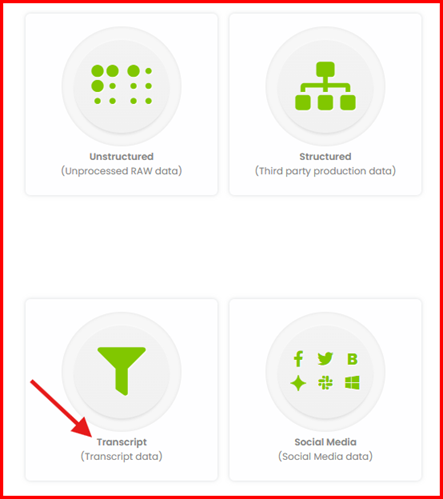
Transcript Options are enabled, the upload page will display a Transcripts
Tile.
Note: The Transcript Options must be enabled for
the upload page to show the Transcripts Tile.
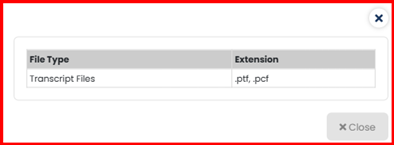
Supporting Transcript Files
Once the processing is complete, you can
go on Review page. In the Transcript tab, you can
view any transcript documents that have been successfully uploaded. Please make
sure to load the Default Layout so that the Transcripts can be reviewed.
For more detail on viewing Transcript data, please refer to Transcripts
Help Link.